DevilWorks1.1.2
Publisher Description
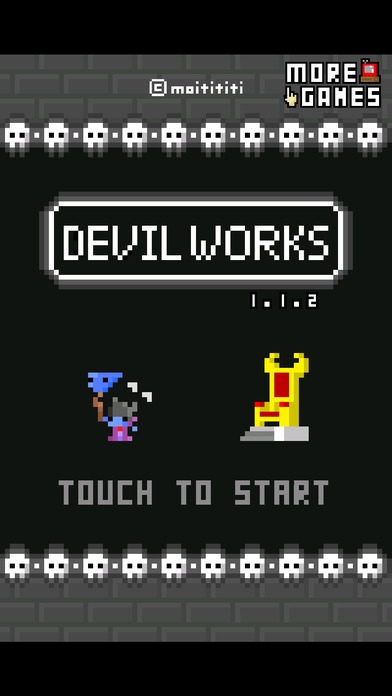
DevilWorks is a monster-breeding, time-killing, clicker-style game.
Give it a go and see if you can complete the monster guide!
As of ver1.0.0 there's 246 kinds of monster to collect.
How to Play
Raise monsters!
-> Raid villages and get their gold, so you can buy new items.
-> Take down the heroes who come to attack, so you can get new eggs.
Monster Stats
HP
Used up in training and village raids.
Recovered with rest, cake, and potions.
EAT
Represents hunger, your monsters need to eat!
Recovered with monster feed and cake.
WGT
Affected by age and evolutionary stage.
Reduced by going to the toilet.
Increased with cake and monster feed.
LV
Influences monsters' POW and INT
Build up EXP in training and watch your monsters' levels grow!
POW
Influences how successful your raids are (rate of gold collected over time).
INT
Influences the tower's general magic power.
As this increases, rarer heroes and eggs will appear!
Requires iOS 5.1.1 or later. Compatible with iPhone, iPad, and iPod touch.
About DevilWorks
The company that develops DevilWorks is Mitsuhiro Okada. The latest version released by its developer is 1.1.2.
To install DevilWorks on your iOS device, just click the green Continue To App button above to start the installation process. The app is listed on our website since 2014-08-29 and was downloaded 44 times. We have already checked if the download link is safe, however for your own protection we recommend that you scan the downloaded app with your antivirus. Your antivirus may detect the DevilWorks as malware if the download link is broken.
How to install DevilWorks on your iOS device:
- Click on the Continue To App button on our website. This will redirect you to the App Store.
- Once the DevilWorks is shown in the iTunes listing of your iOS device, you can start its download and installation. Tap on the GET button to the right of the app to start downloading it.
- If you are not logged-in the iOS appstore app, you'll be prompted for your your Apple ID and/or password.
- After DevilWorks is downloaded, you'll see an INSTALL button to the right. Tap on it to start the actual installation of the iOS app.
- Once installation is finished you can tap on the OPEN button to start it. Its icon will also be added to your device home screen.
